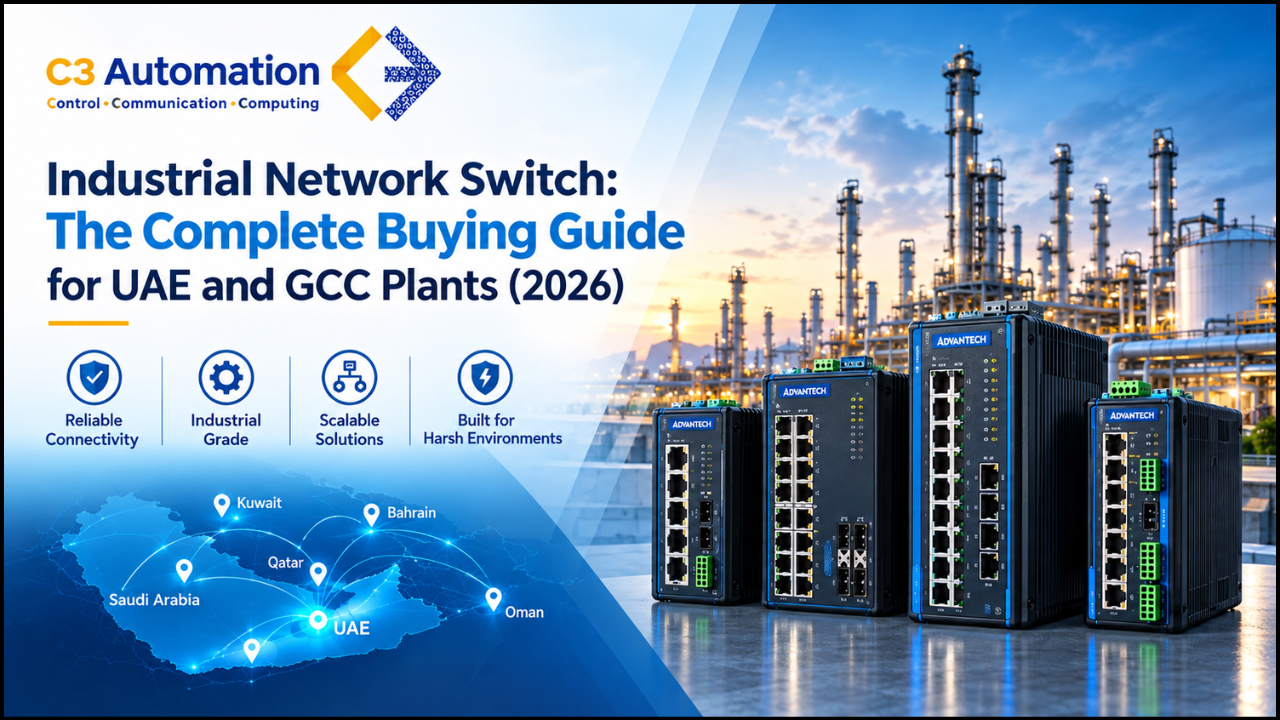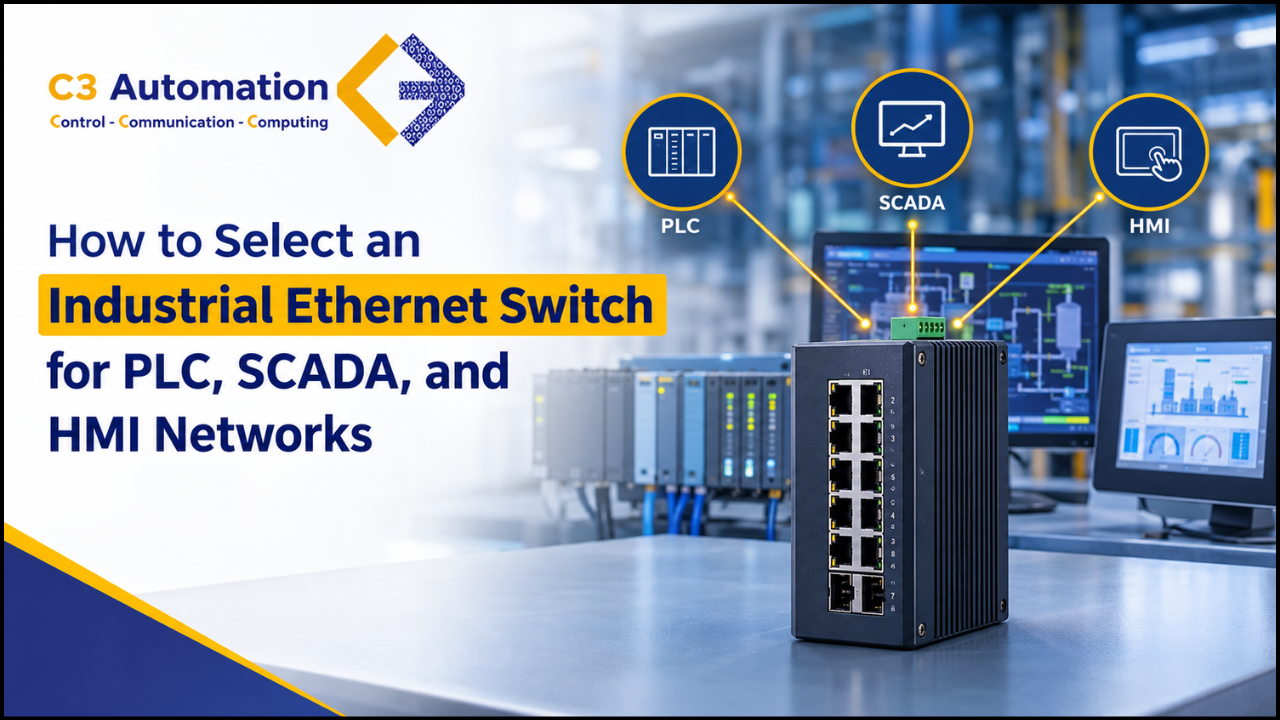
To choose an Ethernet switch for PLC, SCADA and HMI networks make sure the switch fits the real conditions and traffic in your plant. Look at the operating temperature range whether the switch is managed or unmanaged the number of ports and their speed if Power over Ethernet is needed, support for redundancy like RSTP, MRP or ring compatibility with protocols such as PROFINET, EtherNet/IP and Modbus TCP the way it is mounted and certifications like IEC 62443. Pick a tough DIN rail mounted managed switch for any network where stopping costs money.
Imagine a production line stopping at 2 a.m. Because a network switch inside a hot control cabinet suddenly rebooted. The Programmable Logical Controllers (PLC) lose their I/O, the HMI freezes and SCADA stops recording data. There is nothing with the machine. The weak part is a switch that was not made for that environment. This is a problem on plant floors and it can be avoided.
In this guide we go through how to choose an industrial Ethernet switch step by step based on what goes wrong on plant floors. Whether you are setting up a line or improving an old network this checklist will help you make the right choice the first time.
What Is an Industrial Ethernet Switch?
An industrial Ethernet switch is a rugged networking device that connects PLCs, HMIs, SCADA servers, drives, sensors, cameras, and other equipment in factories, plants, and critical infrastructure. Like an office switch, it receives data packets and forwards them only to the device they are meant for. Unlike an office switch, it is engineered to run non-stop in heat, dust, vibration, moisture, and electrical noise.
What sets it apart from a commercial switch:
- Rugged, fanless housing: Metal enclosures with no moving parts to clog or fail.
- Wide temperature range: Typically -40°C to 75°C, compared with roughly 0°C to 40°C for office models.
- DIN rail mounting: Fits standard control panels and cabinets.
- Redundant power inputs: Dual 12 to 48 VDC inputs, often with a relay alarm output that signals faults to your PLC or SCADA system.
- Industrial protocol support: Works with PROFINET, EtherNet/IP, Modbus TCP, and similar protocols that carry real-time control data.
- Fast network recovery: Redundancy protocols such as RSTP, MRP, and ring topologies reroute traffic when a cable or link fails.
- Industrial certifications and long lifecycle: Tested for EMC, vibration, and safety standards, and supported for many years.
Industrial Ethernet switches come in unmanaged, managed, and PoE versions, and in Layer 2 and Layer 3 models. The steps below explain how to choose between them.
Why PLC, SCADA, and HMI Networks Need Industrial Ethernet Switches
Industrial automation networks differ from office IT networks. Industrial automation networks carry control traffic. Industrial automation networks run 24/7. Industrial automation networks live in places: heat, dust, vibration, moisture and electrical noise.
A typical automation network connects:
- PLCs exchanging real-time I/O data with drives, sensors, and remote I/O
- HMIs that operators use to view and control the process
- SCADA servers that collect, log, and visualize data across the plant
- Industrial PCs, cameras, and wireless access points that share the same infrastructure
Commercial switches are not built for this. Industrial Ethernet switches use rugged enclosures, wide temperature ratings, redundant power inputs, and fast recovery protocols designed for control networks.
Step 1: Understand Your Operating Environment
First think about where the switch will be installed, not the spec sheet. The location of the switch is the thing to consider.
Temperature range matters. Most commercial switches are made for a temperature range from about 0°C up to 40°C.. Control cabinets, outdoor enclosures and boiler or foundry areas often go beyond that range. So I advise looking for a switch that can handle a temperature range, such as a switch rated from -40°C to 75°C or even 85°C, especially for harsh sites.
Ingress protection or IP rating is another factor. A switch with an IP30 rating is common for switches that sit inside a cabinet. If the switch will be exposed to dust or washdown I suggest choosing a switch with an IP67 rating.
Vibration and shock tolerance is important. Machines, presses and mobile equipment produce vibration. Make sure the switch meets standards like IEC 60068-2-6 for vibration and IEC 60068-2-27 for shock.
Electrical noise can be a problem. Look for a switch that has EMC compliance, such as the IEC 61000-4 series because drives and motors can create interference that may corrupt data on switches that are not well protected.
Hazardous areas, like oil and gas chemical and mining sites may require switches that’re ATEX or IECEx certified.
Step 2: Choose Between Managed and Unmanaged Switches
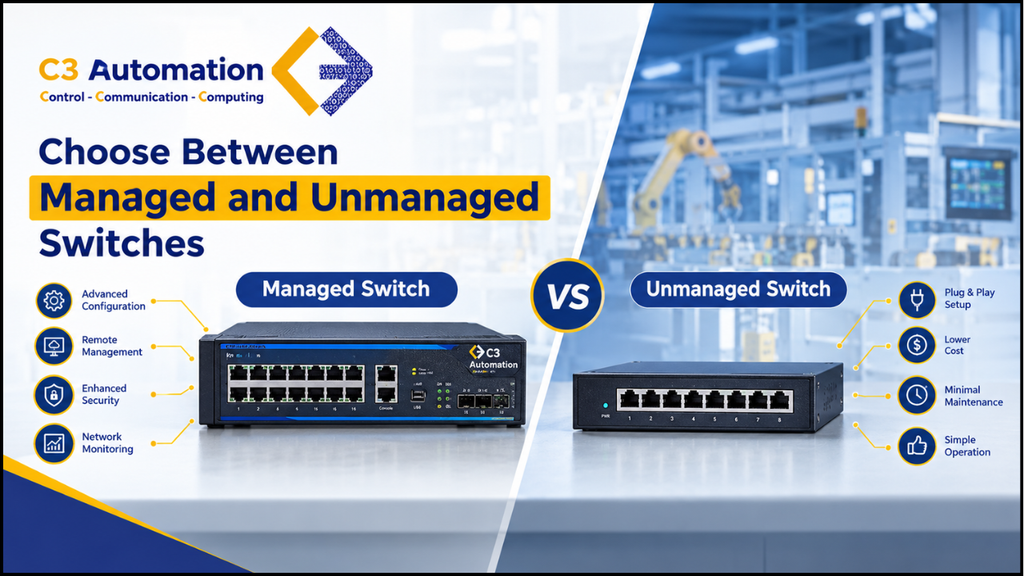
Choosing between a managed and an unmanaged switch is one of the most common decisions in industrial networking, and one of the most common mistakes:
| Feature | Unmanaged Switch | Managed Switch |
| Setup | Plug and play | Requires configuration |
| VLAN support | No | Yes |
| Redundancy (RSTP, MRP, ring) | Usually no | Yes |
| Traffic prioritization (QoS) | No | Yes |
| Monitoring and diagnostics (SNMP, web, CLI) | Limited or none | Full |
| Cybersecurity features | Minimal | Port security, access control, logging |
| Best for | Small, simple, non-critical machine networks | PLC, SCADA, and plant-wide networks |
| Cost | Lower | Higher |
Recommendation: Use unmanaged switches only for small, isolated, non-critical segments, such as a few devices inside one machine. For any network that includes SCADA, multiple PLCs, or remote access, use managed switches. The extra cost is small compared with one hour of unplanned downtime.
Step 3: Match the Switch to Your Industrial Protocols
Your PLC brand and protocol decide which switch features matter most.
- PROFINET: Look for PROFINET conformance classes, LLDP support, and fast topology discovery. Many plants using Siemens PLCs prefer switches certified for PROFINET.
- EtherNet/IP: Look for IGMP snooping and multicast filtering, since EtherNet/IP uses multicast heavily. Without it, multicast traffic can flood the network.
- Modbus TCP: Generally flexible, but benefits from QoS and VLAN segmentation.
- EtherCAT and other real-time protocols: Often use dedicated infrastructure, so confirm compatibility before sharing switches.
- OPC UA: Typically runs at the SCADA and IT/OT boundary, so security and bandwidth matter more than millisecond timing.
If you are unsure, ask the PLC vendor’s documentation or your automation distributor which switches are validated with your controllers.
Step 4: Plan Port Count, Speed, and Media Type
Count your devices first, then add 20 to 30 percent. Networks grow. Adding a camera, a drive, or an extra HMI should not force you to replace the switch.
Speed. Fast Ethernet (100 Mbps) is still fine for many I/O networks. Gigabit is the better default for SCADA backbones, camera traffic, and anything that aggregates several segments. For new designs, gigabit uplinks are a safe choice.
Copper vs fiber. Copper (RJ45) works up to 100 meters. For longer runs, electrically noisy areas, or links between buildings, use fiber with SFP ports. Fiber also isolates ground potential differences between locations.
M12 vs RJ45 connectors. Machines with vibration or washdown conditions often use M12 connectors for a more secure connection than standard RJ45.
Step 5: Decide Whether You Need PoE
Power over Ethernet (PoE) powers devices through the network cable, which simplifies wiring for:
- IP cameras
- Wireless access points
- Some HMIs, sensors, and RFID readers
If you need PoE, check the standard (PoE, PoE+, or PoE++) and the total power budget of the switch, not just the per-port rating. A switch with eight PoE+ ports does not always have enough total power to run all eight at full load.
Step 6: Build In Redundancy
In automation, a single cable fault should never stop the plant. Redundancy protocols let the network recover automatically.
- RSTP (Rapid Spanning Tree Protocol): Widely supported, recovery in the range of a second or less depending on network size.
- MRP (Media Redundancy Protocol): Common in PROFINET networks, with faster, more predictable ring recovery.
- ERPS and proprietary ring protocols: Offer very fast recovery (often in the tens of milliseconds) in ring topologies.
- Redundant power inputs: Dual DC power inputs let you connect two power supplies, so one failure does not take the switch down.
- Relay alarm output: Lets the switch signal a fault to your PLC or SCADA system.
For critical processes, use a ring topology with a fast redundancy protocol and dual power inputs.
Step 7: Check Cybersecurity Features
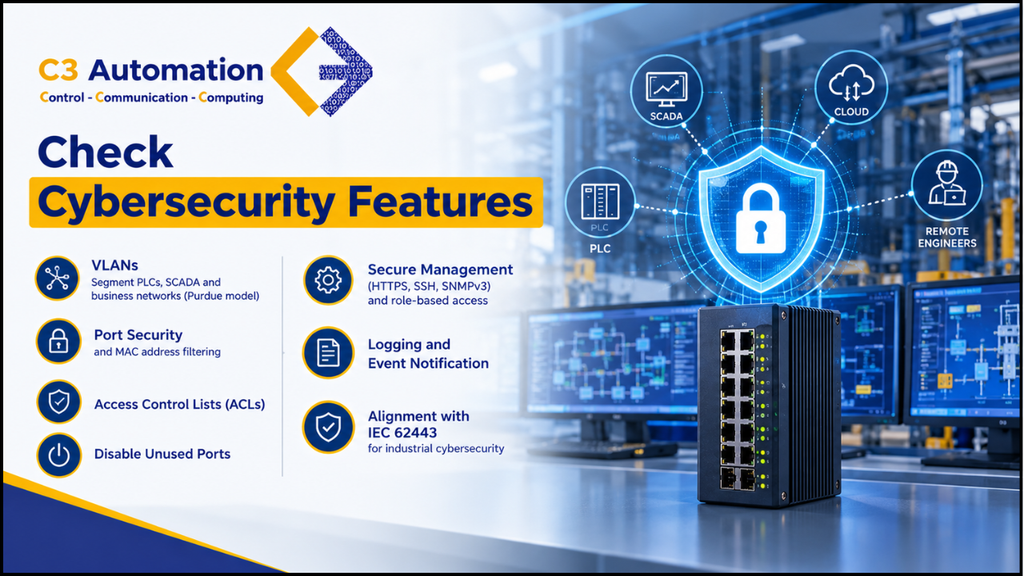
Once SCADA data flows to dashboards, the cloud, or remote engineers, your switches become part of your security perimeter. Look for:
- VLANs for segmenting PLCs, SCADA, and business networks (aligned with the Purdue model)
- Port security and MAC address filtering
- Access control lists (ACLs)
- Disabling unused ports
- Secure management (HTTPS, SSH, SNMPv3) and role-based access
- Logging and event notification
- Alignment with IEC 62443 for industrial cybersecurity
A switch that lets anyone plug into a spare port is an open door. Pair your switches with a monitoring approach, such as an industrial intrusion detection system, for stronger protection.
Step 8: Consider Mounting, Power, and Installation
- DIN rail mounting is the standard for control panels. Check that the switch fits your rail and leaves room for cable bend radius.
- Power input: Most industrial switches run on 12 to 48 VDC or 24 VDC. Confirm it matches your panel supply.
- Cooling: Fanless designs are preferred, since fans fail in dusty environments.
- Front vs top access: Check cable access in tight cabinets.
Step 9: Verify Certifications and Standards
Certifications show that the switch was tested for real industrial use. Depending on your industry and region, look for:
- CE, UL/cUL, FCC for general safety and compliance
- IEC 61000 for EMC immunity
- IEEE 802.3 for Ethernet standards
- ATEX / IECEx / Class I Div 2 for hazardous locations
- EN 50155 for railway use
- IEC 61850-3 for substations and power utilities
- IEC 62443 for cybersecurity
Step 10: Think About Brand, Support, and Total Cost
The cheapest switch is rarely the cheapest over five years. Compare:
- Warranty and lifecycle: Industrial switches should be available and supported for many years.
- Technical support: Can you reach an engineer when the line is down?
- Management software: Is configuration and monitoring easy, or will it need specialist skills?
- Spare parts and availability: Can you source a matching replacement quickly?
- Integration with your existing brands: Using a switch validated with your PLC and SCADA platform reduces commissioning risk.
Working with an experienced industrial automation supplier helps here, since they can recommend tested combinations and supply the same model across future projects.
Quick Selection Checklist
Use this before you place an order:
- Does the temperature, IP, and vibration rating match the installation site?
- Do I need a managed switch (VLAN, QoS, redundancy, security)?
- Is it compatible with my PLC protocol (PROFINET, EtherNet/IP, Modbus TCP)?
- Do I have enough ports, with 20 to 30 percent spare capacity?
- Do I need gigabit uplinks or fiber (SFP) ports?
- Do I need PoE, and does the total power budget cover it?
- Does it support RSTP, MRP, or ring redundancy and dual power inputs?
- Does it offer secure management and align with IEC 62443?
- Does it mount on the DIN rail and match my panel power supply?
- Is local support, warranty, and long-term availability confirmed?
Common Mistakes to Avoid
- Using office switches in control panels. They fail early in heat, dust, and vibration.
- Choosing unmanaged switches for SCADA backbones. You lose visibility, segmentation, and fast recovery.
- Ignoring multicast behavior. This causes network flooding in EtherNet/IP and some PROFINET setups.
- Buying exactly the number of ports needed. Expansion becomes expensive.
- Forgetting the PoE power budget. Devices reboot or fail to power up.
- Leaving default passwords and unused ports open. This is one of the easiest ways into an OT network.
- Skipping documentation. Label ports and record configurations so the next engineer is not guessing.
Conclusion
Selecting an Ethernet switch is not about picking the most feature‑packed model. It is about matching the Ethernet switch to your environment, your protocols and the cost of downtime. Start with the site conditions, choose managed industrial Ethernet switches for networks plan, for growth and redundancy and treat cybersecurity as part of the selection, not an afterthought.
If you are planning an automation network or upgrading an existing one, speak with an industrial networking specialist who can recommend industrial Ethernet switches that are validated for your PLC and SCADA platform.
FAQ
- What is the difference between an Ethernet switch and a regular switch?
An industrial Ethernet switch is made to survive environments. It has a temperature range, sturdy metal cases, DIN rail mounting two power inputs and quick redundancy protocols. A regular switch is made for office use. Does not handle heat, vibration or electrical noise.
- Do PLCs need a managed switch?
Not always, but most modern automation networks gain from a managed switch. Small machine‑level networks can run with switches. Plant‑wide networks that use SCADA, many PLCs or remote access should use managed switches for VLANs, redundancy and security.
- Which industrial Ethernet switch is best for PROFINET?
Choose a managed industrial Ethernet switch that supports PROFINET, LLDP and MRP redundancy. Look at the vendor compatibility list for your PLC series.
- What ports do I need?
Count every device that will be connected and add 20 to 30 percent for expansion. Also add ports for uplinks to switches or the SCADA server.
- Is PoE necessary for networks?
Only if you connect PoE devices such as IP cameras, access points or certain sensors. If you do, check the power budget and the power available on each port.
- What temperature range should an industrial Ethernet switch support?
For an Ethernet switch inside a conditioned control room a normal temperature range may be enough. For control cabinets, outdoor sites or hot process areas choose an Ethernet switch rated from -40°C to 75°C or higher.
- How is network redundancy achieved in switches?
Through protocols such as RSTP, MRP and ERPS usually arranged in a ring and with dual power inputs. If a cable or link fails traffic on an Ethernet switch is rerouted automatically.